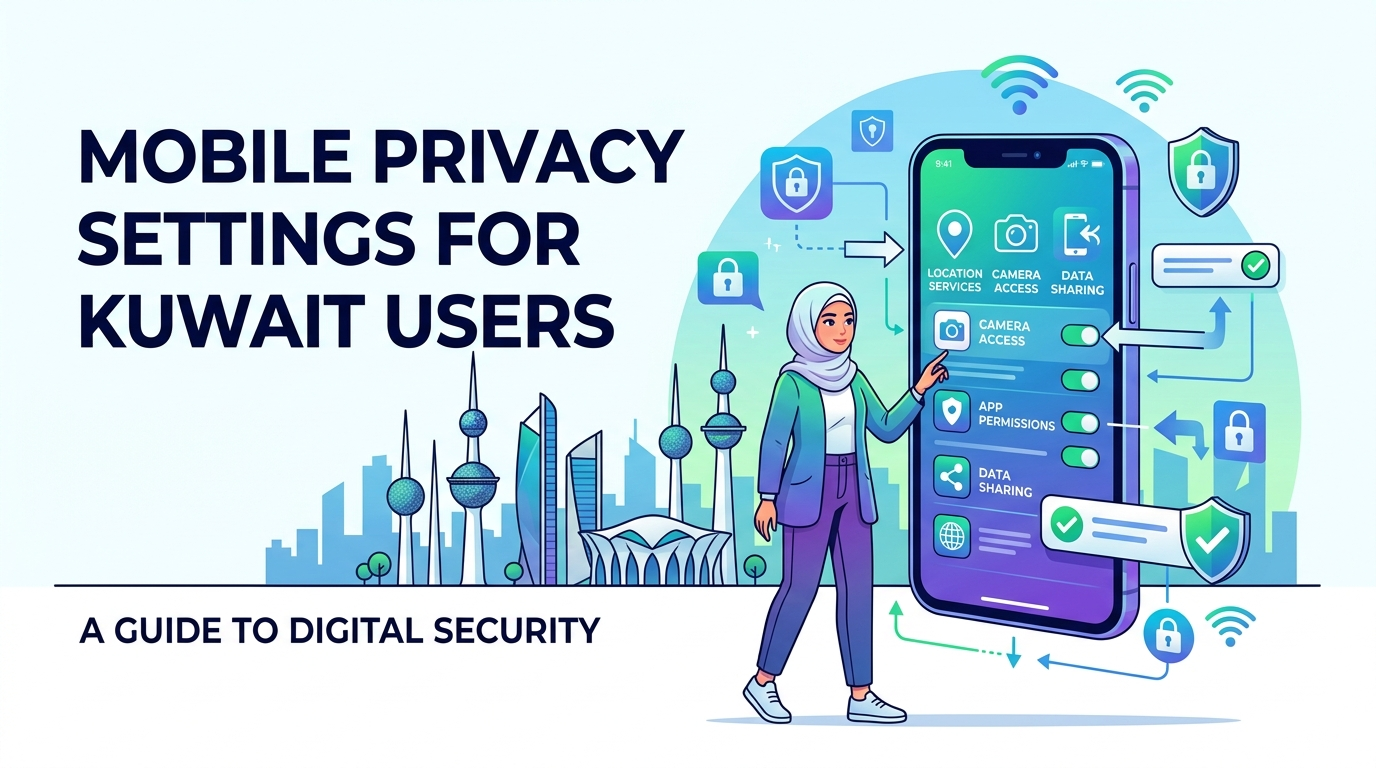
Mobile Privacy Settings for Kuwait Users: A Complete Guide to Protect Your Digital Life
Is your smartphone quietly watching everything you do? In Kuwait’s fast-paced digital world, even a small mistake can turn your personal life into public property.
From social media activity to banking apps, your phone stores more sensitive information than you might realize. Without the right privacy settings, your data can easily be exposed to apps, advertisers, or even cyber threats.
When Your Phone Starts Watching You…
Hello Kuwait! I’m your digital companion. As an Indian blogger, I spend half my time exploring the latest gadgets and the other half helping tech lovers like you solve everyday digital challenges. Today, I’m bringing you a powerful update on mobile privacy settings for Kuwait users.
Just last month, I was sitting in a café in Kuwait City enjoying a plate of Machboos, when a notification suddenly popped up on my phone —
“Get 50% off on perfumes at a nearby store!”
That made me pause for a moment. How did that store know exactly where I was? Was my phone tracking my location all the time… or even listening?
To be honest, it felt a bit unsettling. As digital usage in Kuwait continues to grow rapidly, so do concerns around
data tracking,
app misuse, and
cyber threats.
Understanding your privacy settings is no longer optional—it’s essential. The truth is, we often share sensitive information with apps without even realizing it, including apps that don’t actually need access.
What You’ll Learn in This Guide
- Hidden privacy settings on Android and iPhone
- How to control app permissions effectively
- Ways to stop unwanted tracking and data sharing
- Simple steps to make your phone truly secure
By the end of this guide, you’ll feel confident navigating Kuwait’s digital world—without worrying about your privacy being compromised.
Why Mobile Privacy Matters So Much in Kuwait
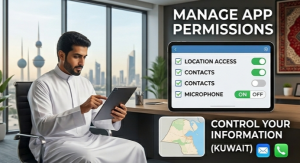
Kuwait is among the countries with nearly 100% internet penetration and smartphone usage. But somewhere along this rapid digital growth, privacy has taken a back seat.
Whether in India or Kuwait, people love social media and online shopping. Unfortunately, this habit often becomes our biggest vulnerability, making it easier for apps and platforms to collect and use our personal data.
Local Risks You Shouldn’t Ignore
- Public Wi-Fi Temptation: Free Wi-Fi at places like
The Avenues or
Marina Mall may feel convenient, but they can act like an open buffet for hackers. Connecting without protection can expose sensitive data—even your bank details. - Social Media Tracking: Apps like
Instagram and
Snapchat are hugely popular in Kuwait. These platforms track your location, interests, and behavior to build a detailed digital profile. - App Permission Misuse: Many apps request unnecessary access to your contacts, gallery, and even microphone. Granting these permissions is like handing over the keys to your personal space.
- Data Breaches & Identity Theft: Protecting your Civil ID and financial data is critical. Even a small mistake can put your entire financial security at risk.
Basic Mobile Privacy Settings You Should Fix Today
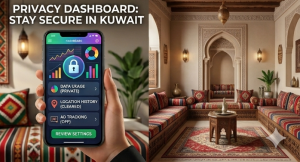
Whether you’re using the latest iPhone or a budget Android device, there are a few essential
mobile privacy settings that everyone should update right away.
The best part? It takes less than 5 minutes, but can save you from hours of trouble later.
Quick Privacy Checklist
- Location Services (On/Off Control):
Not every app needs to know your exact location in Kuwait. Set it to
“While Using the App” for better control. - App Permissions:
Regularly check your Privacy settings to see which apps can access your
camera, microphone, or contacts. - Screen Lock (PIN, Pattern, Face ID):
Your first line of defense is a strong lock. Biometric options like
Face ID or fingerprint are both fast and secure. - Software Updates:
Never ignore updates. Think of them as a
digital vaccine that protects your phone from new threats.
If you get these four basics right, you can protect yourself from nearly
70% of common cyber threats.
Take a moment right now—open your phone settings and quickly review these options. A small step today can make a big difference in your digital safety.
Android-Specific Privacy Controls You Shouldn’t Ignore
If you’re using Android devices like Samsung, Google Pixel, or Xiaomi in Kuwait, it’s important to stay mindful of how your data is being tracked. Android offers flexibility—but that also means you need to be more careful with your privacy settings.
The latest versions, Android 14 and 15, come with powerful privacy features. Unfortunately, most users never take full advantage of them.
Key Settings to Update
- Google Account Privacy Settings:
Go to your Google account and pause
Web & App Activity.
Limiting what Google tracks can significantly improve your privacy. - App Permission Manager:
Check this regularly in your settings. It shows which apps have accessed your
camera or microphone in the last 24 hours. - Turn Off Ad Personalization:
Go to Settings → Google → Ads and select
Delete Advertising ID.
This helps stop apps from tracking your behavior for targeted ads. - Find My Device Security:
Always keep this enabled. If your phone is lost during a desert trip or while traveling, you can remotely locate or erase your data.
iPhone (iOS) Privacy Settings for Users in Kuwait
iPhones are extremely popular in Kuwait, and Apple has built a strong reputation for privacy. But simply owning an iPhone isn’t enough—you need to configure it properly to make it truly secure.
The good news is that iOS offers some of the most advanced privacy controls available today—if you know how to use them.
Must-Use iOS Privacy Features
- App Tracking Transparency (ATT):
One of the most powerful features. Whenever an app asks
“Allow tracking?”,
always choose
“Ask App Not to Track”. - iCloud Privacy Settings:
Enable
Private Relay.
It hides your IP address from websites, making your browsing more private. - Safari Privacy Features:
Turn on
Intelligent Tracking Prevention
for safer browsing. - Location Tracking:
Disable
Frequent Locations
so your movement history isn’t constantly recorded.
With these settings in place, your iPhone can become as secure as a
digital vault, keeping your personal data safe from unwanted access.
Best Apps to Boost Your Privacy (Expert Recommendations)
Changing your phone settings is a great start—but it’s not enough. You also need a few
digital bodyguards to truly protect your data.
In 2026, cyber threats have become more advanced, with hackers even using AI. That’s why using the right privacy apps is no longer optional—it’s essential.
Top Privacy Tools You Should Use
- VPN Apps (Safe Browsing in Kuwait):
If you’re using public Wi-Fi in malls or cafés, tools like
NordVPN
or
Surfshark
encrypt your data and create a secure tunnel, keeping your activity private. - Antivirus Apps:
For Android users,
Norton 360
and
Bitdefender
offer excellent protection—not just against viruses, but also phishing and scam websites. - Password Managers:
Managing multiple passwords can be difficult. Tools like
Bitwarden
or
NordPass
securely store and generate strong passwords.Avoid weak passwords like “123456” at all costs. - Secure Messaging Apps:
For highly private conversations,
Signal
is widely considered more secure than many other messaging apps.
Using the right combination of privacy apps can dramatically reduce your exposure to cyber threats—even on public networks.
Mobile Privacy Settings for Kuwait Users (FAQ)
Is using a VPN illegal in Kuwait?
Using a VPN for personal privacy and security is generally acceptable. However, using it for illegal activities can lead to serious consequences. Always choose a
trusted and legal VPN service.
Does Incognito Mode really keep me hidden?
This is a common misconception. Incognito mode only prevents your browsing history from being saved on your device. Your internet provider, such as
Zain,
Ooredoo, or
STC, can still see your online activity.
Is Two-Factor Authentication (2FA) really necessary?
Absolutely. 2FA adds a powerful extra layer of protection to your accounts, making it extremely difficult for unauthorized users to gain access—even if they know your password.
Enable it today.
Conclusion: Your Privacy Is Your Responsibility
That wraps up this complete guide on mobile privacy settings for Kuwait users.
As a blogger, my goal isn’t to scare you—but to make you aware of the risks we often ignore by casually clicking “Accept” on every permission request.
In today’s digital world, no one values your privacy more than you do. Taking a few minutes to review your settings can put you far ahead of millions of users who unknowingly share their personal data every day.
Action Step
Take a moment right now—open your
Privacy Dashboard
on your phone. Review your settings and make sure your location and sensitive data are only accessible to apps that truly need them.
Stay secure, stay aware, and keep your digital life fully under your control.
If you have any questions, feel free to drop them in the comments—I’ll be happy to help!
Important Note
All the details and opinions shared in this article are based entirely on personal experience.
Prices, offers, and EMI plans may change over time.
This article aims to provide helpful insights about the smartphone,
including its key features and possible drawbacks.
We recommend making your purchase decision carefully based on your needs and preferences.
Thank You for Your Support!
Stay connected for more tech updates
Follow us on Instagram:
@technow.info