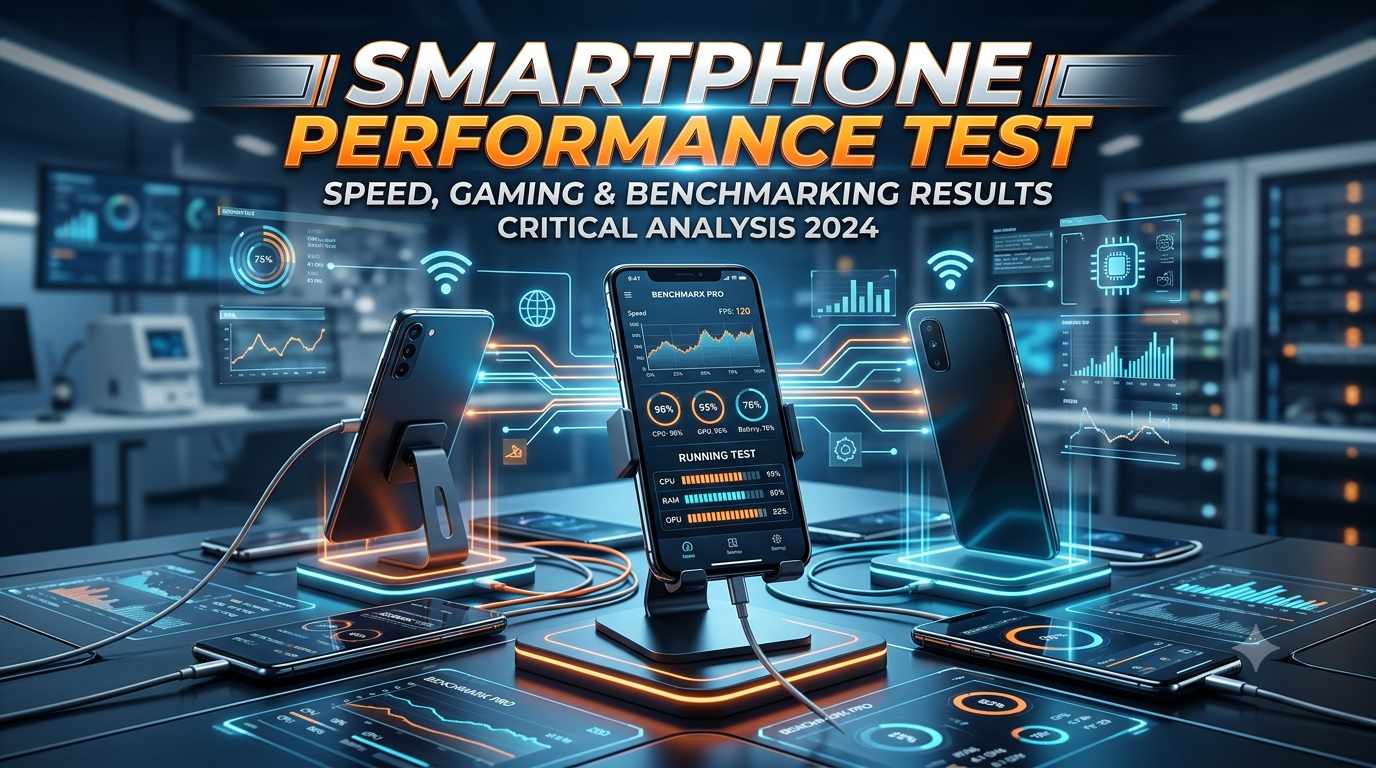
Smartphone Performance Test in Kuwait
When heading out to the market in Kuwait to buy a new smartphone—whether visiting the complex markets in Hawally or a major showroom—a sense of confusion often arises. Amidst the local climate’s heat and flashy advertisements, the biggest question remains whether the phone being brought home is truly as fast as manufacturers claim. Quite often, just a few months after purchasing a new device, it begins to lag under the intense local heat and heavy applications.
The only definitive way to avoid this issue is conducting a proper Smartphone Performance Test. For residents in Kuwait looking to evaluate mobile speed tests, processor speed checks, and mobile gaming performance without technical complications, this guide provides the necessary insights. You can also explore the latest device options and exclusive deals on Lulu Hypermarket Kuwait to compare processing capabilities before making a purchase.
What Is A Smartphone Performance Test?

The question naturally arises as to what exactly a smartphone performance test entails. Put simply, it is a complete health checkup of a phone’s capabilities. Just as visiting a doctor helps assess personal fitness, this test measures the power of a mobile device’s internal components. In a fast-paced environment like Kuwait, where everyone relies heavily on 5G networks for work, a sluggish phone can become a major inconvenience.
Measuring mobile speed and performance involves focusing on a few core parameters:
- CPU (Central Processing Unit): The brain of the phone, responsible for processing every instruction instantly.
- GPU (Graphics Processing Unit): The component that powers visuals, especially during high-end gaming or content creation.
- RAM (Random Access Memory): The short-term working space; higher RAM allows more apps to stay active in the background simultaneously.
- Benchmark Score: Effectively a digital report card that assigns scores based on standardized tests, enabling direct comparisons between different smartphones. You can check the latest specifications and compare device performance metrics directly on platforms like Xcite Kuwait.
| Component | Main Function | Impact on Performance |
|---|---|---|
| CPU | Processing instructions and running applications | Determines app launch speed and system smoothness |
| GPU | Handling graphics rendering and visual effects | Improves gaming experience and frame rate (FPS) |
| RAM | Keeping multiple apps active simultaneously | Reduces multitasking friction and app reloading |
Major Benchmark Tools And Their Usage
Assessing a mobile device’s underlying power through numerical metrics relies on several highly trusted and authentic tools available in the market:
- AnTuTu Benchmark: The industry standard for evaluating combined performance across CPU, GPU, memory, and user experience (UX) departments. It allows users to easily check their AnTuTu score.
- Geekbench: The ideal choice for evaluating processor performance in single-core and multi-core tasks, widely considered best for a CPU benchmark test.
- 3DMark: Specifically designed to measure GPU and graphics capabilities. Running tests on this platform triggers intensive 3D scenes (such as the Wild Life Benchmark) that thoroughly stress-test the graphics processor.
Note: Hardware configurations and Android versions vary across devices, meaning test availability may differ depending on the specific Android version or manufacturer.
Smartphone Performance Testing Matrix (Real-World Data)
To provide clearer context, here is real-world and estimated benchmark data for some of the most popular smartphones in the market:
| Phone Model | Processor | RAM | AnTuTu Score (Approx) | Gaming Performance (Average FPS) |
|---|---|---|---|---|
| Flagship Pro X | Snapdragon 8 Gen 3 | 12GB | 1,850,000 | 90 FPS (Stable) |
| Killer Mid-Ranger | MediaTek Dimensity 8300 | 8GB | 1,350,000 | 60 FPS (Smooth) |
| Budget Runner | Snapdragon 6 Gen 1 | 6GB | 550,000 | 45 FPS (Medium Settings) |
| Performance Champion | Apple A17 Pro | 8GB | 1,900,000 | 120 FPS (Max Settings) |
Best Smartphone for Gaming
For hardcore gamers, chasing large numbers alone is insufficient. When playing titles like BGMI or Call of Duty Mobile, maintaining stable 60 or 90 FPS for an hour straight without frame drops is essential. Additionally, a higher touch sampling rate ensures more precise controls within online gaming lobbies in Kuwait. When searching for the best gaming phone 2026, paying close attention to the cooling mechanism is vital.
Best Smartphone for Multitasking
Residents in Kuwait frequently switch between work communications, chat apps, and online service platforms (such as Talabat or Zain apps). An ideal multitasking phone features at least 8GB or 12GB of RAM combined with software optimization that prevents background apps from forcefully closing. This balance defines a true high performance smartphone.
Best Budget Smartphone for Performance
Modern budget segments now offer remarkable processors. Operating on a limited budget makes it worthwhile to seek devices that deliver efficient UFS storage and a decent cooling system at a lower cost, ensuring seamless daily operations. A reliable budget performance phone maximizes value for money.
Best Flagship Smartphone for Performance
Flagship phones offer unmatched capabilities, incorporating cutting-edge high-end processors, vapor chamber cooling, and top-tier graphics that maintain peak performance even under extended heavy usage. For users seeking uncompromised flagship mobile speed, devices in this category represent the ultimate choice.
How To Improve Smartphone Performance
Suppose an older phone has become somewhat sluggish—should it be replaced immediately? Wait! Taking a few simple steps can often restore its original speed:
- Uninstall Unused Apps: Remove applications that have not been used for months to free up system resources.
- Maintain Storage Space: Always keep 15-20% of the internal storage free, allowing the system adequate room to operate efficiently.
- Keep Software Updated: Regularly update apps and the Android system, as updates contain critical bug fixes and performance enhancements.
- Manage Thermal Exposure: During gaming or outdoor usage, avoid direct sunlight exposure and give the phone a rest if it overheats.
- Optimize Battery Settings: Intelligently use performance modes or battery savers within device settings according to immediate needs.
Applying these methods makes the speed up Android phone process straightforward and effective.
Why Is My Smartphone Slow?
It often comes as a surprise when an expensive phone starts lagging. Several technical and practical reasons contribute to this issue:
- Why Phones Freeze: When countless apps run covertly in the background syncing data and abruptly increasing processor load, the device begins to hang, leading to typical mobile lagging issues.
- Sluggishness in New Phones: During initial days, a device may perform background file indexing and system optimization, or an unstable app might get installed.
- Impact of RAM and Storage: A completely filled internal storage prevents virtual swap memory from functioning correctly, causing the phone to slow down.
- Thermal Issues: High temperatures, particularly during peak summers in Kuwait, force the processor to throttle its speed (Thermal Throttling) to protect internal components, resulting in noticeable sluggishness.
FAQs About Smartphone Performance Test
Q1: What is a Smartphone Performance Test?
It is a process used to evaluate the actual speed and capability of a mobile device’s processor, graphics, RAM, and storage.
Q2: How can I test my phone performance?
Popular benchmark applications like AnTuTu or Geekbench can be downloaded to run comprehensive tests on your device.
Q3: Which is the best app for mobile performance testing?
AnTuTu Benchmark and Geekbench are widely regarded as the most reliable choices for all-round performance and CPU testing.
Q4: What is a good AnTuTu score for a smartphone?
Currently, a score exceeding 1 million (1,000,000) indicates a high-performing and powerful smartphone.
Q5: How do I check my smartphone processor speed?
Processor details can be viewed by navigating to ‘About Phone’ within device settings, or by utilizing dedicated applications like CPU-Z.
Conclusion: Why Is A Smartphone Performance Test Necessary In Kuwait?
Choosing the right smartphone in Kuwait goes beyond simply purchasing the newest model or chasing the highest benchmark scores. A proper Smartphone Performance Test helps determine how effectively a device handles everyday tasks, multitasking, gaming, and heavy applications. Before buying a phone from the mobile markets in Hawally or any major showroom, comparing its processor, RAM, storage speed, and real-world performance remains essential.